
 Kia K900: Service Interval
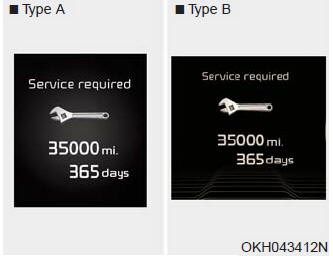
Service required
It calculates and displays when you need a scheduled maintenance service (mileage or days).
If the remaining mileage or time reaches 900 miles (1,500 km) or 30 days, "Service required" message is displayed for several seconds each time you set the Engine Start/Stop Button to the ON position.
Service required
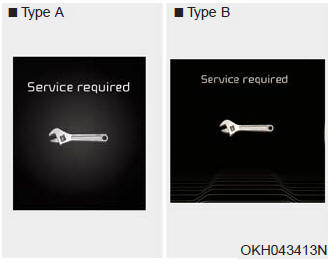
If you do not have your vehicle serviced according to the already inputted service interval, "Service required" message is displayed for several seconds each time you set the Engine Start/Stop Button to the ON position.
To reset the service interval to the mileage and days you inputted before:
Press the OK button for more than 1 second.
Service interval OFF
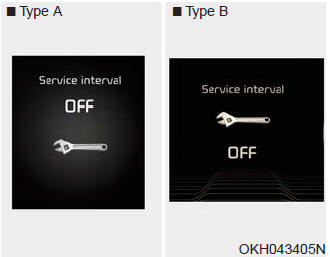
If the service interval is not set, "Service interval OFF" message is displayed on the LCD display.
✽ NOTICE
If any of the following conditions occurs, the mileage and days may be incorrect. The battery cable is disconnected. The fuse switch is turned off. The battery is discharged.
 Information Mode
This mode shows the service interval (mileage and days) and pressure of each
tire.
To change the information mode, Press the
,
(MOVE) button.
For the setting of the service interva ...
 Tire Pressure
This mode displays the pressure status of each tire.
You can change the tire pressure unit in "User settings" mode. ...
See also:
Seat belt warning (for front passenger’s seat)
The front passenger's seat belt warning light will activate to the following
table when the ignition switch is in "ON" position.
*1 The seat belt warning light will go off if the ...
Tire traction
Tire traction can be reduced if you drive on worn tires, tires that are improperly
inflated or on slippery road surfaces. Tires should be replaced when tread wear
indicators appear. To reduce the ...
Automatic climate control system
1. Driver’s temperature control button
2. AUTO (automatic control) button
3. OFF button
4. Fan speed control button
5. Air conditioning button
6. Mode selection button
7. Front windshield ...
Categories
