
 Kia K900: A/V Mode
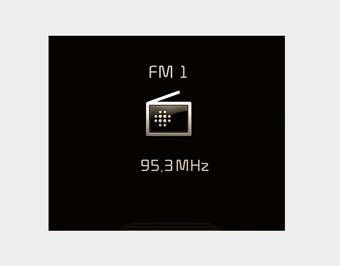
This mode displays the state of the A/V system.
 ASCC/LDWS Mode
This mode displays the state of the Advanced Smart Cruise Control (ASCC) or Lane
Departure Warning System (LDWS). ...
 Information Mode
This mode shows the service interval (mileage and days) and pressure of each
tire.
To change the information mode, Press the
,
(MOVE) button.
For the setting of the service interva ...
See also:
USB charger
The USB charger is designed to recharge batteries of small size electrical devices
using a USB cable. The electrical devices can be recharged when the Engine Start/Stop
button is in ACC/ON/START ...
Starting the engine
WARNING
Proper footwear
Always wear appropriate shoes when operating your vehicle. Unsuitable shoes
(high heels, ski boots, sandals, etc.) may interfere with your ability to use the
brake and ac ...
License plate lamp replacement
If the light bulb does not operate, we recommend the vehicle be checked by an
authorized K900 Kia dealer.
A skilled technician should check or repair the license plate light, for it may
affect ...
Categories

Copyright © www.k900kia.com 2014-2026