
 Kia K900: Audio / Video / Navigation system (AVN)
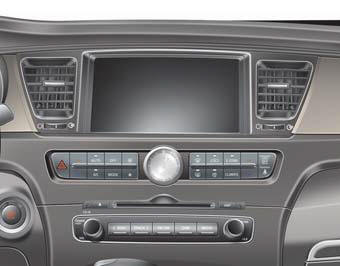
Detailed information for the AVN system is described in a separately supplied manual.
 USB charger
The USB charger is designed to recharge batteries of small size electrical devices
using a USB cable. The electrical devices can be recharged when the Engine Start/Stop
button is in ACC/ON/START ...
 Driver Information System (DIS)
Detailed information for the DIS system is described in a separately supplied
manual. ...
See also:
Manual heating and air conditioning
The heating and cooling system can be controlled manually by pushing buttons
other than the AUTO button.
In this case, the system works sequentially according to the order of buttons
selected. Wh ...
Vehicle weight
This section will guide you in the proper loading of your vehicle and/or trailer,
to keep your loaded vehicle weight within its design rating capability, with or
without a trailer.
Properly loadi ...
Auto hold
The Auto Hold maintains the vehicle in a standstill even though the brake pedal
is not depressed after the driver brings the vehicle to a complete stop by depressing
the brake pedal.
Set up
1. ...
Categories
